

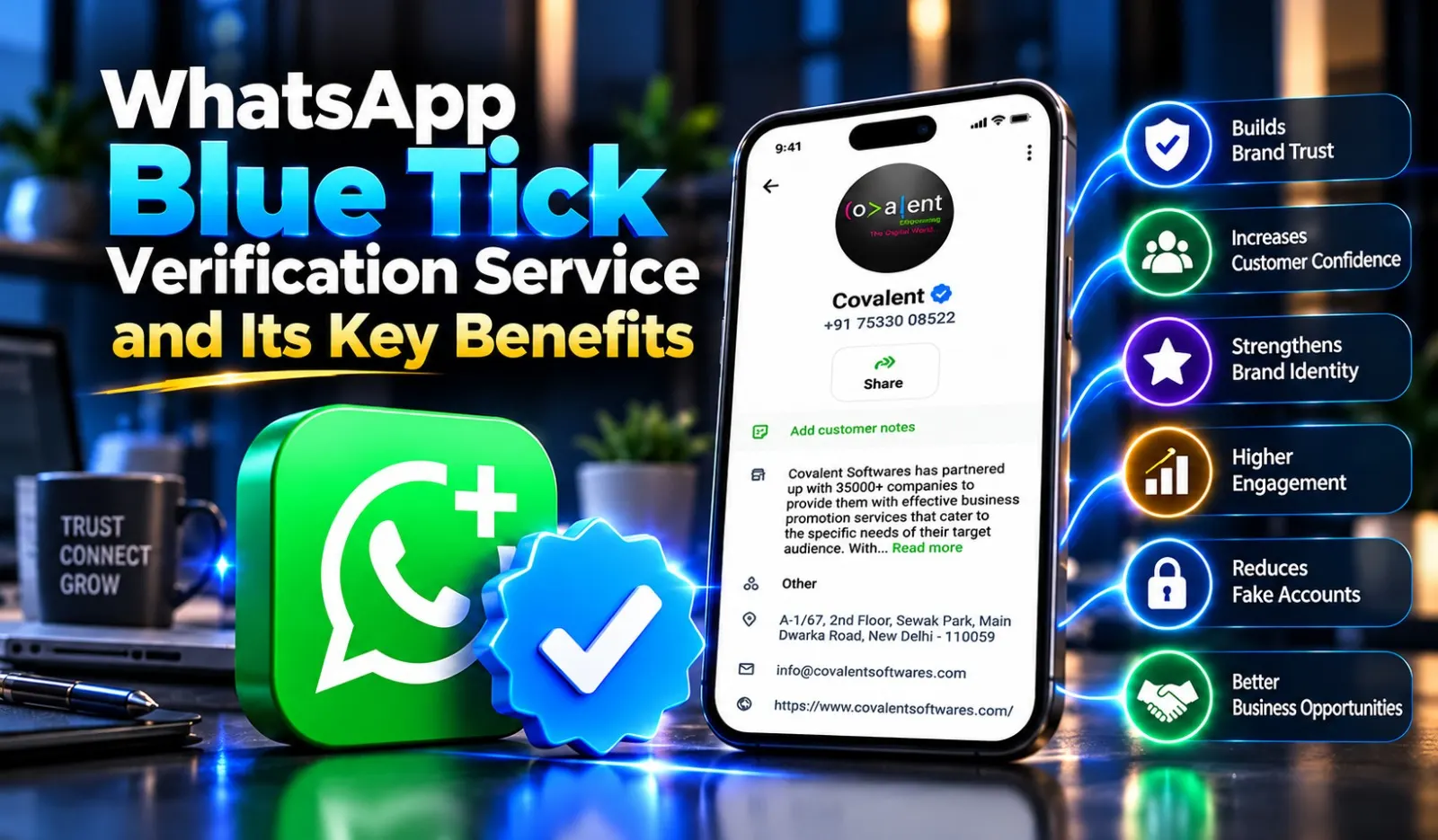
Companies use it to connect with customers, share product updates, answer enquiries, provide support and generate sales. However, customers often hesitate before interacting with an unknown business account because they cannot easily confirm whether it belongs to a genuine brand.
This is where WhatsApp Blue Tick Verification becomes useful. The blue tick helps customers recognise an authenticated business account and feel more confident while communicating with it.
With professional WhatsApp Blue Tick Verification Service, businesses can strengthen their brand identity and establish a more reliable presence on WhatsApp. Covalent Softwares helps businesses understand the verification process, prepare their business information and get assistance with their verification requirements.
WhatsApp Blue Tick Verification is an authentication feature that helps customers identify genuine business accounts. The verified badge appears alongside an eligible business identity, indicating that Meta has authenticated the account based on its verification process.
It helps customers distinguish an authentic business from accounts that may be using a similar name or pretending to represent an established company.
Businesses can benefit from verification through:
Meta offers different forms of business verification and Meta Verified subscriptions. The eligibility requirements and benefits depend on the account type and programme available to the business.
Customers receive messages from different businesses every day. Before sharing personal information, making payments, or placing orders, they want to know whether they are communicating with the correct company.
A verified business identity helps address this concern.
Here are some reasons why businesses should consider WhatsApp verification:
A verified badge helps your business stand out in customer interactions. It gives customers an additional way to recognise your official account and distinguish it from potentially misleading profiles.
Customers are more comfortable communicating with businesses when they have greater confidence in their identity. This can make initial conversations easier and encourage customers to enquire about products and services.
Impersonation can create problems for businesses, particularly when fake accounts contact customers using their company name or identity.
Depending on the verification programme, impersonation protection features can help safeguard your business presence.
A verified badge adds credibility to your WhatsApp business profile. It can strengthen the impression your company creates when communicating with potential customers, existing clients and business partners.
WhatsApp allows businesses to maintain direct conversations with their audiences. Verification can support a more trustworthy communication experience and help businesses build stronger customer relationships.
Getting your WhatsApp business account verified can support several areas of business communication.
Customers can identify your official business account more easily. This is particularly useful for established companies that receive enquiries from different locations and customer groups.
The verified badge indicates that Meta has authenticated the business account through its applicable verification process. This gives customers an additional reason to feel confident when contacting your company.
Fake accounts can damage a company's reputation and mislead customers. Available impersonation protection features can help businesses protect their identity and maintain customer confidence.
A verified business presence can make customers more comfortable initiating conversations. Businesses can use WhatsApp to answer questions, share updates, provide assistance and maintain regular communication.
Meta Verified subscriptions may include additional benefits, depending on the selected plan and availability.
These can include:
A verified identity can contribute to a more professional brand image. When customers recognise your official account, they have an additional way to distinguish your business from unofficial profiles.
WhatsApp verification can be useful for businesses that regularly communicate with customers through messaging.
Some suitable business categories include:
Businesses should review the applicable eligibility requirements before submitting an application.
Getting a verified badge requires proper preparation and compliance with Meta's requirements. The exact process depends on whether the business is applying for Meta Verified or Official Business Account status.
Here are the general steps involved in preparing for verification.
Start with a properly configured WhatsApp Business account or eligible business account on the WhatsApp Business Platform.
Ensure that your business profile contains accurate information.
Check that your company name, website, contact details and business information are consistent across your online presence.
Keep relevant business registration documents and supporting information ready. Meta may request additional details to establish your business identity.
Check whether your business meets the requirements of the relevant verification programme. Eligibility can depend on account type, location, business information and other factors.
Follow the available application process and submit the required information through the appropriate Meta channel.
Meta reviews the submitted information and communicates its decision. Approval is subject to Meta's assessment. Hiring a service provider cannot guarantee verification.
Applying for verification can be confusing when businesses are unfamiliar with Meta's requirements and application procedures.
Covalent Softwares provides WhatsApp Blue Tick Verification assistance to help businesses understand the process and prepare their applications.
The service can help businesses with:
Covalent Softwares also works with businesses looking to improve their digital communication through WhatsApp Business API and related business messaging solutions.
Whether you operate an established company or a growing business, having a properly managed WhatsApp presence can support your customer communication strategy.
An online shopping company receives hundreds of customer enquiries regarding product availability, order confirmation, delivery and returns.
Customers sometimes hesitate to respond to messages because they are unsure whether the account belongs to the actual company.
A verified business identity helps customers recognise the official account. The company can use WhatsApp to share order updates, answer questions and provide customer support.
Expected benefit: Better brand recognition and greater confidence during customer interactions.
An educational institute uses WhatsApp to communicate with students and parents about admissions, course fees, class schedules and upcoming batches.
A verified identity helps students identify the institute's official communication channel.
The institute can use WhatsApp Business tools to manage enquiries and share important announcements.
Expected benefit: A more professional communication experience and improved recognition among students and parents.
The following are illustrative business scenarios created to explain how verification can support different industries. They are not actual client results or documented Covalent Softwares projects.
Challenge:
An online retail company was receiving customer enquiries through WhatsApp. However, customers sometimes questioned whether the messages were coming from its official business account.
Approach:
The company reviewed its business profile, updated its brand information and prepared the relevant details for the verification process with professional assistance.
Outcome:
A verified business identity, once approved by Meta, gave customers an additional way to recognise the official account. The company could continue using WhatsApp for product enquiries and order-related communication.
Challenge:
A real estate company was using WhatsApp to communicate with property buyers and investors. It wanted to strengthen its brand identity and provide customers with a more reliable communication channel.
Approach:
The business reviewed its online presence, organised its company information and followed the applicable verification requirements.
Outcome:
Following successful verification, the business gained a recognised verified identity. This supported its professional presence and helped customers identify its official WhatsApp account.
It indicates that Meta has verified the business account through an applicable verification process or subscription offering.
It depends on the verification route. Meta Verified is subscription-based, while Official Business Account approval follows a separate process.
No. Eligibility depends on the verification option, account details, applicable policies and other requirements.
No. It can support customer confidence, but sales depend on the offer, service quality and customer experience.
Covalent Softwares can help businesses explore WhatsApp Business API solutions and understand their setup requirements. Meta retains control over verification decisions.
