

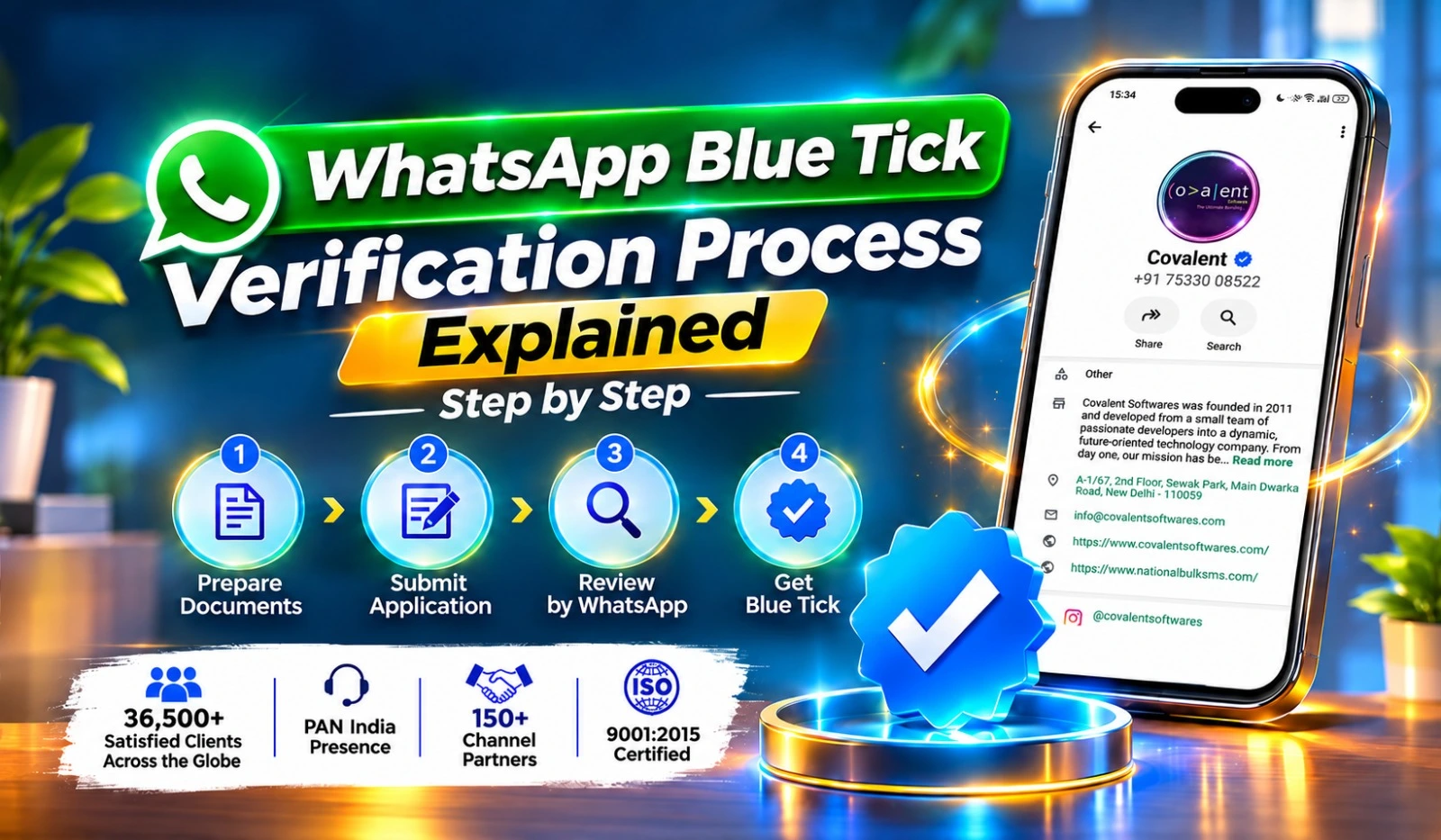
Customers often receive WhatsApp messages from companies they have never contacted before. When a business sends an offer, payment reminder, service update, or promotional message, customers may wonder whether the account is genuine.
This is where WhatsApp Blue Tick Verification becomes useful. The verified badge helps customers identify an authenticated business and recognise its official communication channel.
For companies that depend on WhatsApp for customer enquiries and sales, getting verified can be an important step in building a reliable business identity.
However, Meta does not approve every business automatically. Companies must fulfil the applicable eligibility conditions and complete the required verification process.
Let's understand what businesses need to qualify for WhatsApp Blue Tick Verification and how Covalent Softwares can help them prepare.
Before applying, businesses should understand that Meta offers different ways to obtain a verified badge.
An Official Business Account is a WhatsApp Business Platform account recognised by Meta as an authentic and notable brand.
Its eligibility assessment considers business authenticity, policy compliance, account requirements and public recognition.
Meta Verified is a subscription-based programme available to eligible businesses.
It provides a verified badge along with benefits such as account support and impersonation protection. Available subscription features depend on the plan and location.
These two programmes have different application requirements. Businesses should identify the appropriate route before making any payment or submitting an application.
Businesses from different industries can explore WhatsApp verification, provided they meet the conditions of the relevant programme.
Some examples include:
A business does not need to operate internationally to explore verification. However, eligibility and approval depend on Meta's assessment and the selected verification programme.
Meta needs to establish that the account represents a genuine business.
The company should have a clearly identifiable name, business activity and official contact information.
Businesses should avoid using temporary names, misleading descriptions, or information that cannot be supported by their records.
An active website can help customers understand what the company does and verify its identity.
A professional website should ideally include:
For traditional OBA verification, independent public recognition is particularly important. A company website alone does not establish notability.
The business should have a distinct identity that customers can associate with its products or services.
For OBA approval, Meta considers whether the brand has meaningful public recognition.
Businesses can develop their public presence through genuine media coverage, industry participation, independent publications and other credible sources.
For traditional OBA applications, the WhatsApp Business Platform account must have been registered for at least 30 days.
This requirement allows businesses to establish their account before requesting Official Business Account status.
A newly created account should first complete the necessary setup and maintain regular, policy-compliant activity.
The display name should clearly represent the business or brand.
It should not contain misleading descriptions, unnecessary promotional wording, or unrelated terms.
For example, a company operating under the brand name ABC Technologies should use an appropriate display name that reflects its recognised business identity.
Businesses should protect their WhatsApp accounts from unauthorized access.
Important security measures include:
Account security is especially important for organisations where several employees handle customer conversations.
Businesses must follow the applicable WhatsApp Business Terms and Messaging Policies.
Their communication should be relevant, transparent and based on appropriate customer consent.
Sending unwanted promotional messages, making misleading claims, or promoting restricted products can create account-related problems.
A good messaging history helps businesses maintain a responsible communication process.
Meeting the basic account requirements is only one part of the process. Businesses should also prepare their online presence and supporting information.
Independent news articles and recognised publications can help demonstrate that a business has public recognition.
Companies should focus on genuine editorial coverage rather than relying entirely on paid promotional content.
The company name should be consistent across its website, business documents, WhatsApp profile and other official business channels.
If the business uses multiple brand names, it should be able to explain their relationship clearly.
Businesses should monitor their messaging practices and avoid sending irrelevant communication.
They should also pay attention to customer complaints, opt-out requests and applicable quality indicators.
Keep the required registration records, business contact information and other supporting documents ready.
This reduces the chances of delays caused by missing or incorrect information.
A poorly prepared application can create unnecessary delays.
Here are some mistakes worth avoiding:
Businesses should review their account carefully before submitting an application.
Real estate companies communicate with buyers about property availability, site visits, project details and booking enquiries.
Customers may receive messages from several agents and agencies while searching for a property.
A verified business identity can help customers recognise the company's official communication account. The company can use WhatsApp to manage enquiries, share property information and coordinate site visits.
Coaching centres, colleges and training institutes regularly communicate with students and parents.
They share admission announcements, counselling schedules, course details and class updates.
A verified account can make the institute easier to identify and support a more organised communication process.
These are illustrative scenarios created to explain practical business situations. They are not actual client results or confirmed verification approvals.
Background:
A digital marketing agency was using WhatsApp to communicate with prospective clients, discuss advertising requirements and share campaign updates.
As the agency expanded, it wanted a more established business identity on WhatsApp.
Problem:
Its website and business information were not fully consistent. The agency also had limited independent media coverage.
Steps Taken:
Business Impact:
The preparation gave the agency a clearer online identity and helped it understand the requirements it needed to address before applying for verification.
Background:
An online healthcare service provider used WhatsApp to manage appointment enquiries and communicate service information.
Problem:
Customers sometimes found it difficult to distinguish the provider's official account from other numbers using similar business names.
Steps Taken:
The company reviewed its WhatsApp profile, updated its contact information, strengthened account security and organised its official business records.
It also reviewed its messaging practices to ensure that customer communication followed applicable WhatsApp policies.
Business Impact:
The company developed a more consistent communication identity and became better prepared to explore the appropriate Meta verification option.
Preparing a business for WhatsApp verification involves several details, from account configuration to business information and policy compliance.
Covalent Softwares provides WhatsApp Business API solutions and assistance to companies looking to improve their business communication setup.
Its services can support businesses with:
Covalent Softwares helps companies understand the technical and business requirements involved in establishing their WhatsApp presence.
Whether a company operates in education, real estate, ecommerce, or professional services, having an organised WhatsApp communication system can support its customer engagement activities.
The final verification decision always rests with Meta. No agency or service provider can promise a guaranteed blue tick.
Eligibility depends on the verification programme. Meta requires businesses to establish their authenticity and provide the information requested during its review. Businesses should check the applicable documentation requirements before applying.
A high messaging volume does not guarantee verification. Meta considers different factors depending on the programme. Businesses should focus on genuine customer communication, policy compliance and account quality.
This depends on the verification programme and subscription benefits. Meta Verified plans may support multiple protected business accounts or verified channels, subject to the selected plan and eligibility.
Changes to important business information may require additional review. For Meta Verified certain profile details can be restricted after subscription. Businesses should finalise their business identity before applying.
Covalent Softwares can assist with WhatsApp Business API setup, account configuration, eligibility guidance and preparation for the applicable verification process. Meta retains complete authority over approval decisions.
